
NIKLAS Test Software
Test software for your test bench and test station
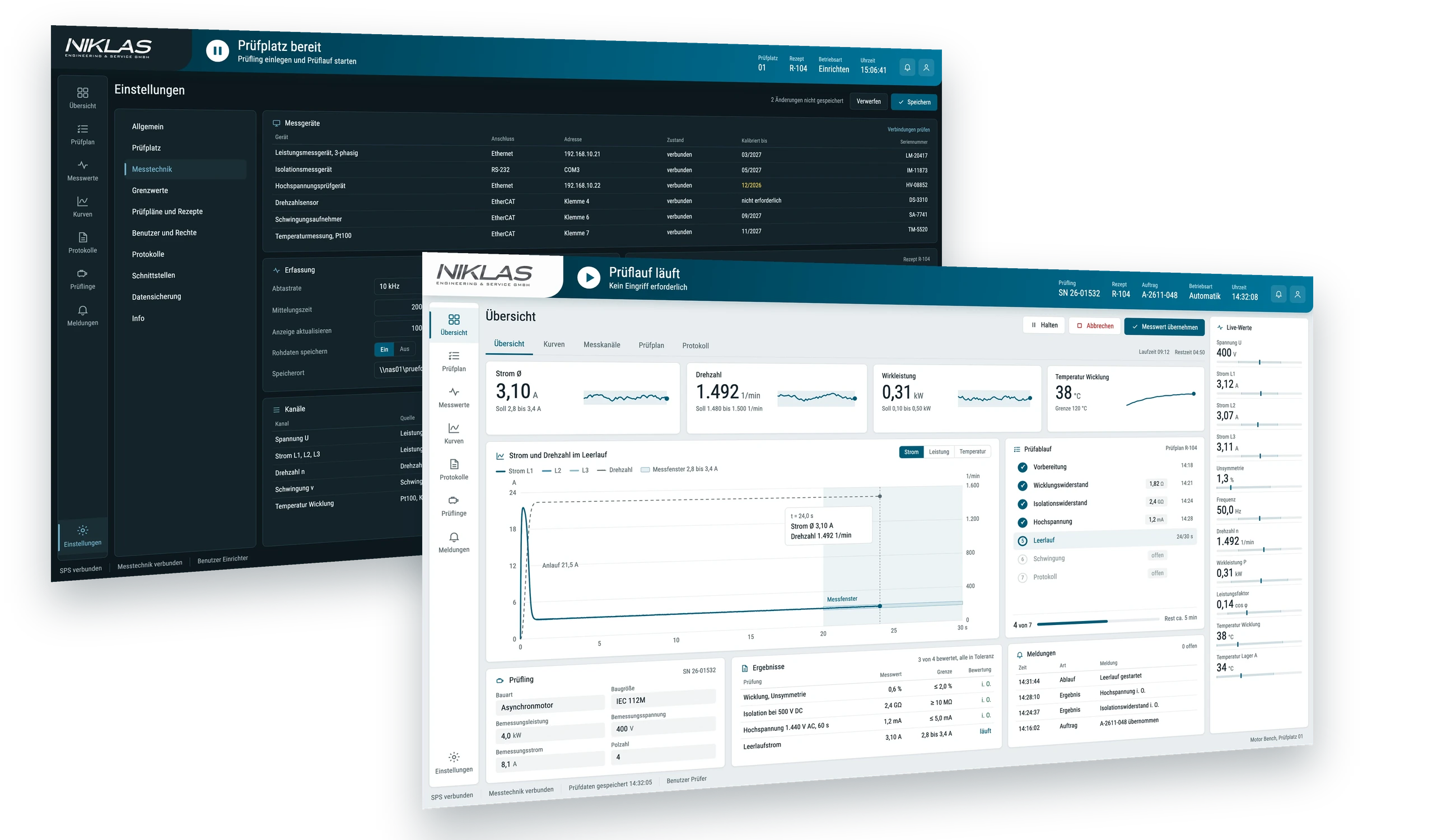
We also offer the test software of our test benches separately, for your existing test bench or test station. It guides operators through the test sequence, evaluates measured values against the limit values for each test item and creates a digital test report.
What the test software does
From the start of the test to the report: the test software specifies the sequence and documents every result.
Guided test sequence
Stored test profiles specify every work step, fully or semi-automatically. Operators can work through the sequence without in-depth knowledge of test engineering.
Limit values for each test item
The software stores limit values for each test item and evaluates every measured value against its tolerance window.
Digital test report
The software records measured values, serial number and test date for each test item in the test report. The test history remains retrievable for each test item.
Data interface
You transfer the test data to your ERP system via a data interface.
Expert mode
Additional parameters and settings for experienced users, matched to the test item and test task.
AI-assisted evaluation
Depending on the configuration, an AI evaluates measurement parameters or camera images and shows anomalies over time.
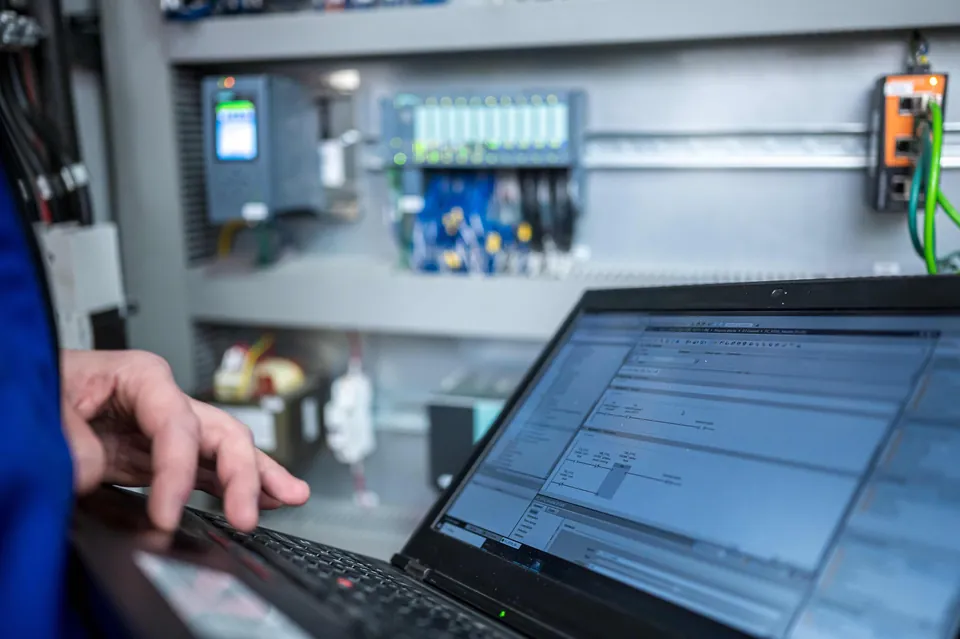
The test software at your existing test station
You do not need a new test bench. We bring the test software to your test station, whether you built it yourself or it comes from another manufacturer.
Discussing the test task
You describe the test items, test sequence, existing measuring instruments and controls, and the data you need in the test report and in the ERP system.
Connecting the test station
We connect the test software to the measurement technology and controls of your test station. We clarify in advance, based on your devices, what can be connected.
Storing test profiles
We set up test sequences, limit values for each test item and the report template for your test task.
Commissioning
We commission the test software at your test station and adapt test profiles when new test items are added.
Does the test software suit your test station?
Describe your test station and your test steps. We will tell you how we integrate the software there.
In use on our own test benches
The same test software runs on every NIKLAS test bench. Views and evaluations depend on the test task.
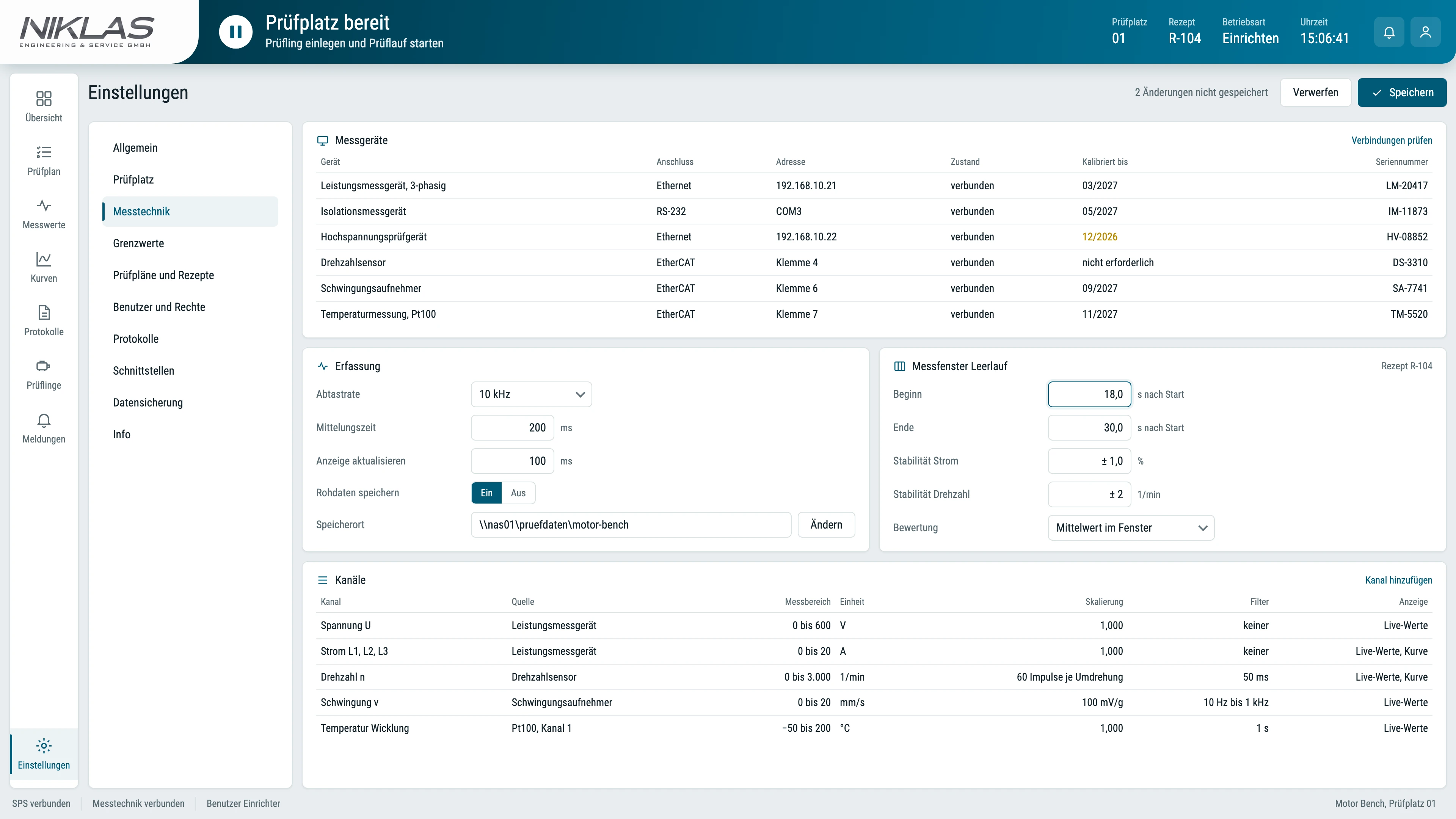
Concept view of the test software. Range of functions depends on the configuration.
On our test benches
Guides you through the motor test and stores measured values and test history for each motor. Depending on the configuration, an AI-assisted Health Monitor assesses the motor condition.
Guides you through the test plan, shows the characteristic curve as a chart and creates the test report with serial number and test date.
Guides you through running-in, load stages and endurance run and shows the efficiency for each load stage.
Controls the high-voltage tester and records the measured values for each test item in the test report.
Your team sets up new parts and inspection recipes itself. Locally operated AI models evaluate the images according to the defined features.
Frequently asked questions about the test software
Here we answer what testers and quality managers want to know before an enquiry.
Can we use the test software without a NIKLAS test bench?
Yes. We also supply the test software separately for your existing test bench or test station, whether you built it yourself or it comes from another manufacturer. We clarify which measuring instruments and controls we connect on the basis of your test station.
Does the same test software run on all NIKLAS test benches?
Yes. Motor Bench, Pump Bench, Drive Bench, Test Field and Vision Check work with the same test software. We adapt test sequences, views and evaluations to the respective test bench and your test task.
How does the test data get into our ERP system?
You transfer the test data to your ERP system via a data interface. During configuration, we define with you which data you transfer and in which format.
Can we create new test items ourselves?
With Vision Check, your team creates new parts and inspection recipes itself. For the other test benches, we store test profiles and limit values for each test item during configuration and adapt them with you when new test items are added.
Is the software also available for CNC machines?
Yes. For CNC machines we develop our own operating software with the same structure. Find out more under CNC software.
What if our test task goes beyond the functions of the test software?
Then we develop the missing parts as custom software: taking over the test order, assigning the part, controlling the measurement and evaluating the results against your limit values. Find out more under software development.
Request test software for your test task
Describe your test items, test sequence, your existing test station and the data you need in the report and in the ERP system. We will get back to you with a proposal for the test software.
Simon Niklas
Mechanical engineer, M.Sc.
+49 941 56956720[email protected]
“Good engineering proves itself in day-to-day production. That is why we combine technical planning with a close understanding of process, operation and maintenance.”
Book a consultation